Key Facts About the ITD Certificate
The ITD certificate is earned by completing the Impact Texas Drivers (ITD) program, an online video-based course on the dangers of distracted driving. Presenting the ITD certificate at your road driving test is a mandatory step in the Texas driver licensing process for teens and adults. The ITD video is completely free and available online through the DPS Impact Texas website.
A key point to remember is that the ITD course must be done after any required driver education is completed and before the road driving test. The DPS verifies these dates, so if your ITD certificate is dated before your driver’s ed completion certificate, it will be rejected. Likewise, if you show up to your road test without a printed copy of your ITD certificate, your test will be canceled.
Sort out your ITD certificate process now to save yourself unnecessary hassle and delays later.
Where to Find the Impact Texas Course
When you are ready to take the ITD course, you will choose either the 2-hour Impact Texas Teen Drivers (ITTD) video or the 1-hour Impact Texas Adult Drivers (ITAD) video, depending on your age. Both courses will produce the ITD certificate and are accessed through the official Impact Texas website.
When Will I Receive My Certificate?
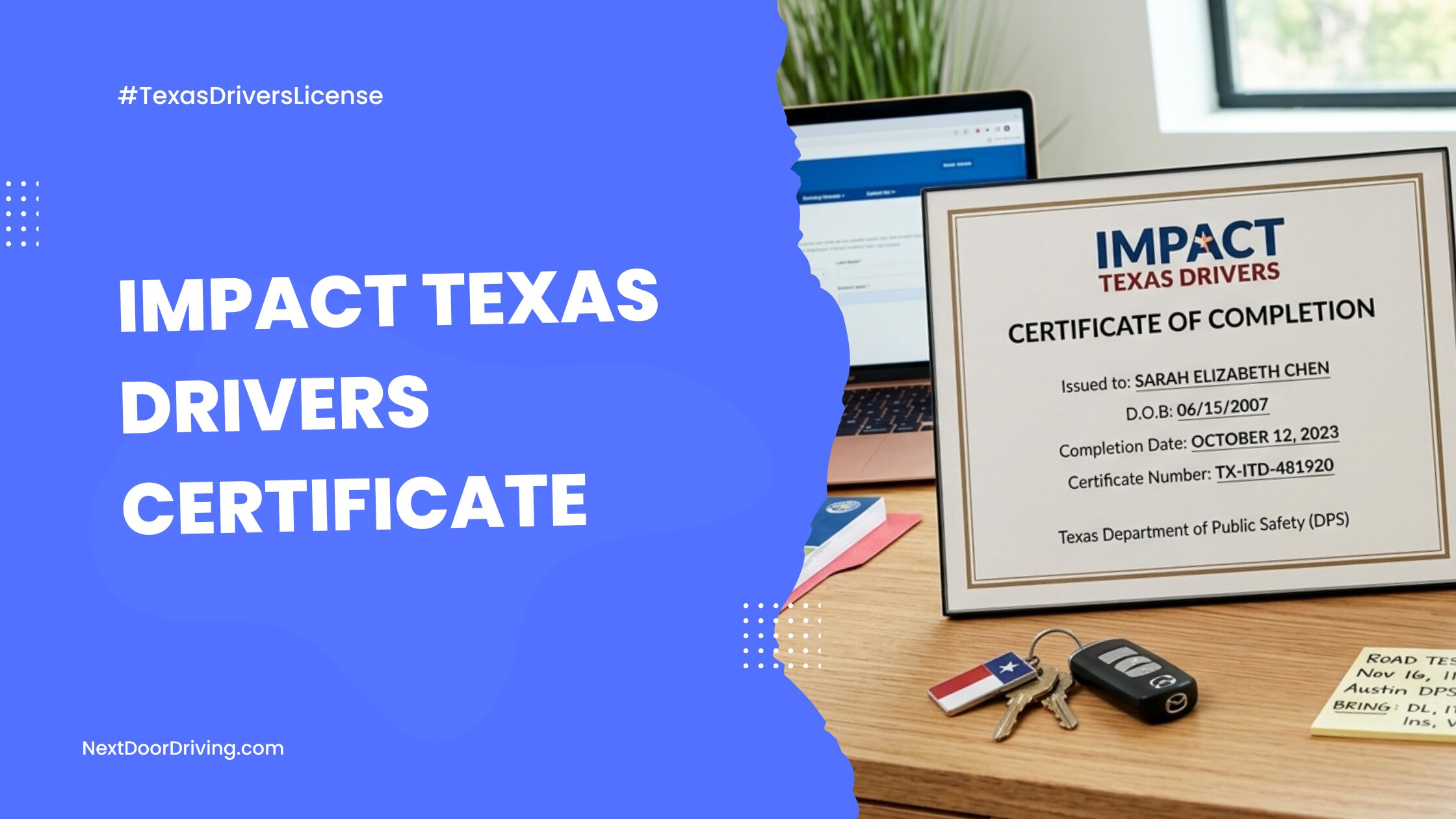
The ITD certificate is issued immediately upon completing the video course. The Impact Texas system tracks viewing progress through each module, and there are no tests or scores to track, so there is no processing delay. When the final video module ends, the completion certificate is generated.
How to Access Your ITD Certificate
You can download a PDF of your ITD certificate directly from your Impact Texas Drivers portal dashboard as soon as you finish the course.
A copy of your certificate is also automatically sent to the email address you provided during account registration.
Registration Note: The ITD certificate is issued only in the name that is used at registration. Be sure to register with your full legal name and date of birth as they will appear on your driver’s license.
How Long Is the ITD Certificate Valid?
The ITD certificate is valid for 90 days from the date it is issued. It is best to watch the ITD video close to your road testing date, so if you do not pass the driving test on the first try, you can re-test with the same certificate. Your ITD certificate is tied to a timeline, not your number of driving test attempts.
What Happens If Your Certificate Expires?
If your ITD certificate expires before you pass the road skills test, you will need to register again and re-take the ITD course to generate a fresh certificate.
Reprinting a Lost Certificate
If your certificate is lost or damaged, you can reprint it as long as you are within the 90-day window. Simply log in to your Impact Texas account to print a duplicate certificate free of charge.
ITD vs. Driver Education Certificate
Applicants sometimes confuse the Impact Texas certificate with a Texas Driver Education certificate, but these are different documents for separate steps in the driver training process. Both programs are split into teen and adult tracks with slightly different criteria.
If you are under 25, Texas law requires you to obtain both certificates before testing:
- Teens (15–17): Must first complete a teen driver’s ed course (24 classroom hours and 44 behind-the-wheel hours) to earn Form DE-964, followed by the 2-hour Impact Texas Teen Drivers (ITTD) video course.
- Adults (18–24): Must first complete a Texas adult drivers ed course, such as the one offered by NextDoorDriving.com, to earn Form ADE-1317, followed by the 1-hour Impact Texas Adult Drivers (ITAD) video course.
For adults 25 and older, formal driver education is optional but highly recommended, as completing the online course through NextDoorDriving.com allows you to skip the written knowledge test at the DPS. However, all new drivers over 25 must complete the 1-hour ITAD video and present the certificate to take a road test.
What to Do if Your ITD Information is Incorrect
The ITD certificate will reflect the personal information used at registration. If there are inconsistencies with your name or date of birth, the DPS or TPST official will reject your certificate and ask you to reschedule. To avoid this, be sure to enter your personal information accurately when you register for the course. If you notice a typo or need to update your information, you can contact the Impact Texas program directly to correct it.
For questions or help correcting your information, you can reach the Impact Texas support team here:
- Email: ITD@dps.texas.gov
- Phone: Call (512) 424-5623 between 8:00 AM and 6:00 PM CST, Monday through Friday. For technical assistance outside of normal business hours, call (855) 481-7070.
Pro Tip: If the information on the certificate is incorrect but you are in a rush, there is a faster fix. Simply create a new account at the ITD portal using a different email address, watch the video, and get a new certificate with the correct data.