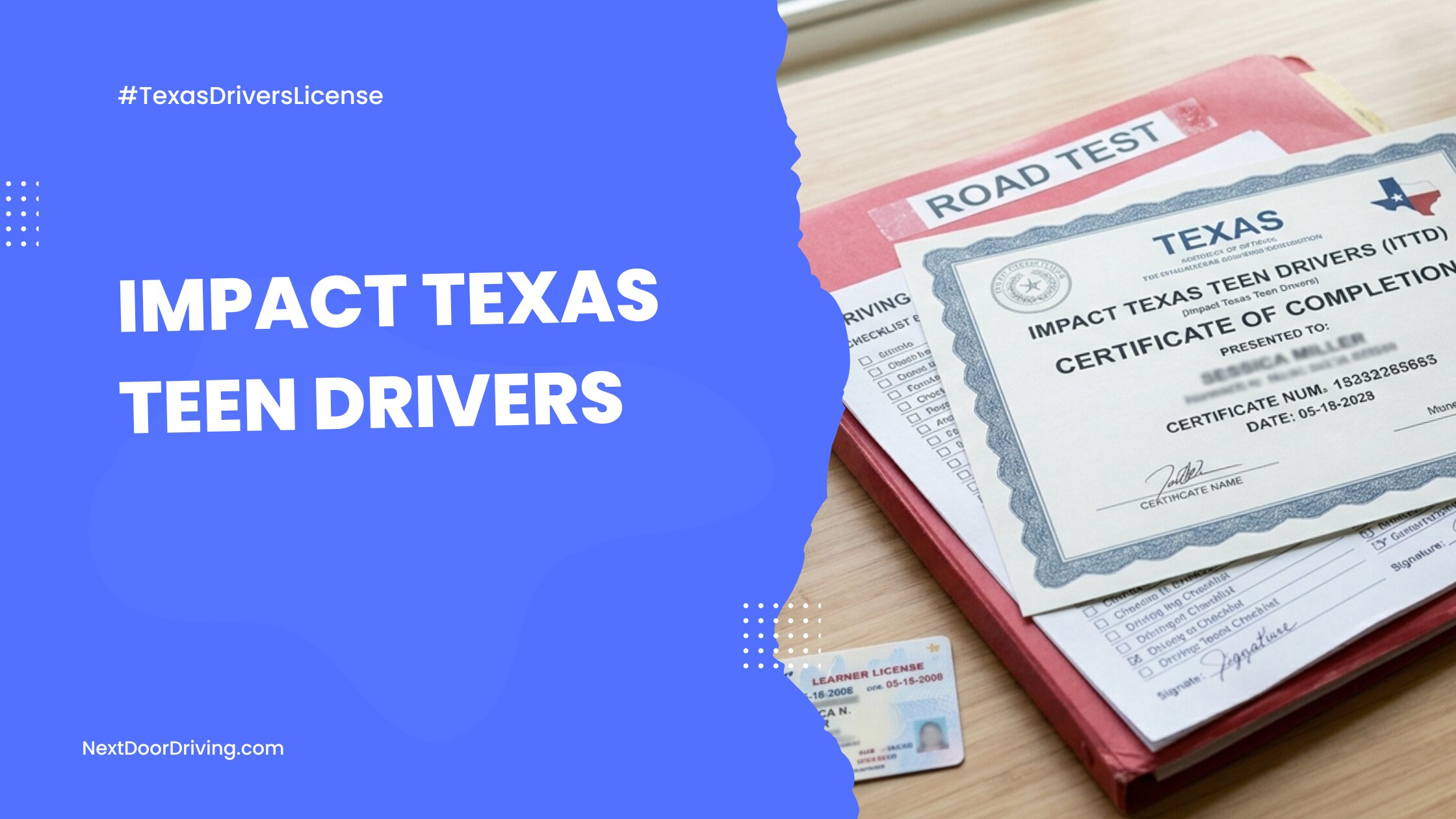
Quick Facts: Impact Texas Teen Drivers (ITTD) at a Glance
Getting a Texas driver’s license involves multiple steps, and the mandatory Impact Texas Drivers course is one of the last pieces before the final road driving test.
If you are a teen or a parent preparing for the Texas driving skills test, here are the key facts to know about the ITTD program:
- What it is: A free, mandatory 2-hour video course on distracted driving provided by the Texas DPS. It is not part of and does not replace regular driver’s ed.
- Who needs it: Every driver aged 15–17 who has completed a parent-taught or instructor-led teen driver’s ed course.
- When to take it: After you have finished your 24 classroom hours and 44 behind-the-wheel hours, but before your driving skills test.
- The 90-day window: The completion certificate is only valid for 90 days.
- The paper copy rule: You must print out a physical certificate and bring it to your driving test. The DPS and third-party test providers will not accept digital or phone copies.
Missed the age cutoff? If you are 18 or older, you will take the 1-hour ITAD (Impact Texas Adult Drivers) course instead.
Teen Driver’s Ed vs. ITTD
It is very common for parents and teens to confuse the standard Texas driver’s education curriculum with the ITTD program. Many assume that because their driver’s ed course covers distracted driving, they can skip this step. However, the DPS views these as two entirely separate requirements, and you cannot substitute one for the other.
In short, regular driver education teaches you how to drive. ITTD is a final safety reminder designed to reduce the number of lives lost to distracted driving on Texas roads, so it comes just before you get your Provisional License.
This side-by-side table shows how Texas teen driver’s ed and the ITTD program line up.
| Course | Teen Driver Education | Impact Texas Teen Drivers (ITTD) |
| What is it? | Full driver training curriculum | Distracted-driving awareness training |
| Time commitment? | 24 classroom hours and 44 supervised driving hours | 2 hours (8 short video modules) |
| Cost? | Varies by provider | Free |
| When to take it? | First step in the licensing process | Final step right before the driving test |
| Certificate? | DE-964 Certificate | ITTD Completion Certificate |
When and How to Take the ITTD Course
TDLR rules organize driver training into a specific sequence. Follow this step-by-step guide to complete the course properly and ensure your certificate is valid on test day.
- Step 1: Complete Your Core Driver Education
Texas wants new drivers to have the basics down before more targeted instruction on avoiding distracted driving. Before you can register for ITTD, you must complete all of your Texas teen driver education hours. This applies whether you use a Parent-Taught Driver Education (PTDE) program or an instructor-taught course from a licensed driving school like Next Door Driving.
You must fully wrap up:
- 24 hours of classroom instruction
- 44 hours of behind-the-wheel training
Once finished, NextDoorDriving.com will issue your official Driver Education Certificate of Completion (Form DE-964). Keep this form handy; you will need it to enroll in the ITTD course.
- Step 2: Register on the DPS Impact Texas Portal
When you are ready to register for ITTD, head to the official Impact Texas Website. Look for the “Register” button in the top right corner to set up your account.
The first part of the registration form asks you to set up your secure login credentials and enter your personal information.
- Register with a reliable email address: Your email address serves as your account username. Make sure it is an address you check regularly, as the system uses it to send your final ITTD certificate.
- Create a password: Create a strong, unique password to complete your account security setup.
- Enter your personal information: Type your name, birthdate, and identity details exactly as they are written on your official documents (i.e., your birth certificate, legal passport, or lawful presence paperwork). Even a minor typo here can cause the DPS to reject your certificate on test day.
- Step 3: Add Your Driver Education Certificate
To successfully link your ITTD account to your driver’s ed records, fill out this portion of the form using these precise parameters:
- Select your driver education track: If you took either the parent-taught or instructor-led teen course with Next Door Driving, you should select “Driver Education School” under “Driver Education Type.” If you used a parent-taught course from another provider, check the “PTDE” box and select your provider from the dropdown menu.
- TDLR Number: Input the Driver Education School Number found on your Next Door Driving course certificate: C3424. The form asks for the “TDLR Number,” but this is a mistake. Alternatively, you can begin typing “Next Door Driving INC” (or the name of your driving school) into the search field, and the system will pull up the name and number.
- Enter the ADE/DE Control Number: In the top right corner of your driver’s ed certificate, you will see a number printed after the letters “ADEE.” Type in only the digits of this number. Do not type the “ADEE” prefix, as the system accounts for those letters automatically.
- When prompted, provide your Learner License (learner’s permit) number.
Double-check your information, click “Save,” and your account will be active.
- Step 4: Watch the Video Modules
Once your account is set up, you can begin viewing the course. As a reminder, ITTD is a 2-hour video divided into 8 different modules. It features real-life stories, state-specific statistics, and educational segments tailored for novice Texas drivers.
To successfully complete the video course:
- Watch it in full: You must watch each module in full before the system will allow you to unlock and advance to the next one. You do not have to watch all 2 hours in a single sitting, and the system saves your progress at the end of each module. However, if you close your browser in the middle of a lesson, you will have to watch that module from the beginning.
- Use a desktop or laptop: The DPS portal is not compatible with mobile devices, so trying to register or watch the videos on your phone or tablet can lead to freezing or failing to save your progress. The DPS asks students to access the ITTD course on a laptop or desktop with a good network connection.
Pro Tip: If you are having technical difficulties with your ITTD video, try clearing your cache, closing extra tabs, restarting your browser, or switching to another browser. - Print your certificate immediately: There is no final scored exam or test to pass. Once the eighth video ends, your completion certificate will automatically unlock. A copy will be sent to your email address and it will also be available to download on your account dashboard. Print out a copy and keep it on hand, as the DPS will not accept a digital version on your phone.
The ITTD Certificate Window
Since your ITD certificate will expire, the clock starts ticking the moment it is issued. The DPS places a strict 90-day deadline on this document to ensure that important driver safety points are fresh in your mind when you get behind the wheel for your road test.
If you take the ITTD course weeks (or months) before you schedule your road test, you risk running out of time if there are booking delays at the DPS office or your local Third-Party Skills Testing (TPST) location. The best strategy is to watch the video course about a week or two before your road test date.
Expired Certificate
If your ITTD certificate expires before you pass the driving test, you will need to register for the course and re-watch the videos to generate a current certificate.
Lost Certificate
If you lose or damage your ITTD certificate, you can print it again for free from your Impact Texas account dashboard, as long as you are still within the 90-day validity window.
What to Bring to Your Texas Road Test
If you are over 16 and have met all requirements, you are eligible to take the Texas road skills test. Arriving for your driving test is exciting, but is also the easiest place to get tripped up on final license application requirements. The DPS and Third-Party Skills Testing (TPST) examiners are bound by strict rules, so if you are missing a signature, document, or vehicle requirement, they will cancel your appointment on the spot.
To make sure you walk out with your license, use this document checklist to get everything in order before testing day:
- Completed driver license application (Form DL-14B)
- Current Texas Learner License
- Printed ITTD certificate
- Driver education certificate (Form DE-964)
- Completed 30-hour driving log
- Verification of Enrollment (VOE) form
If you are under 18, you will need a parent or legal guardian to accompany you and sign your license application. Once you submit your full application, pay the fee, and pass your road test, you will be awarded your Provisional Driver License.