The Parent-Taught Driving Process: At a Glance
To make sure your teen receives proper credit for their Texas driver’s ed coursework and practice hours, complete the parent-taught process in this order:
- Verify instructor eligibility (3+ years valid license history, clean driving record).
- Register with TDLR by purchasing the official PTDE Program Guide.
- Enroll in an approved Texas Parent-Taught Driver Education (PTDE) course.
- Apply for a learner’s permit at the DPS office.
- Complete all driver’s ed classroom lessons, conduct 44 behind-the-wheel hours, and pass your Texas driving test for a provisional license.
What Is the PTDE Program Guide?
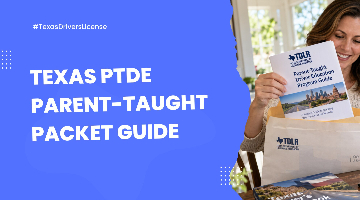
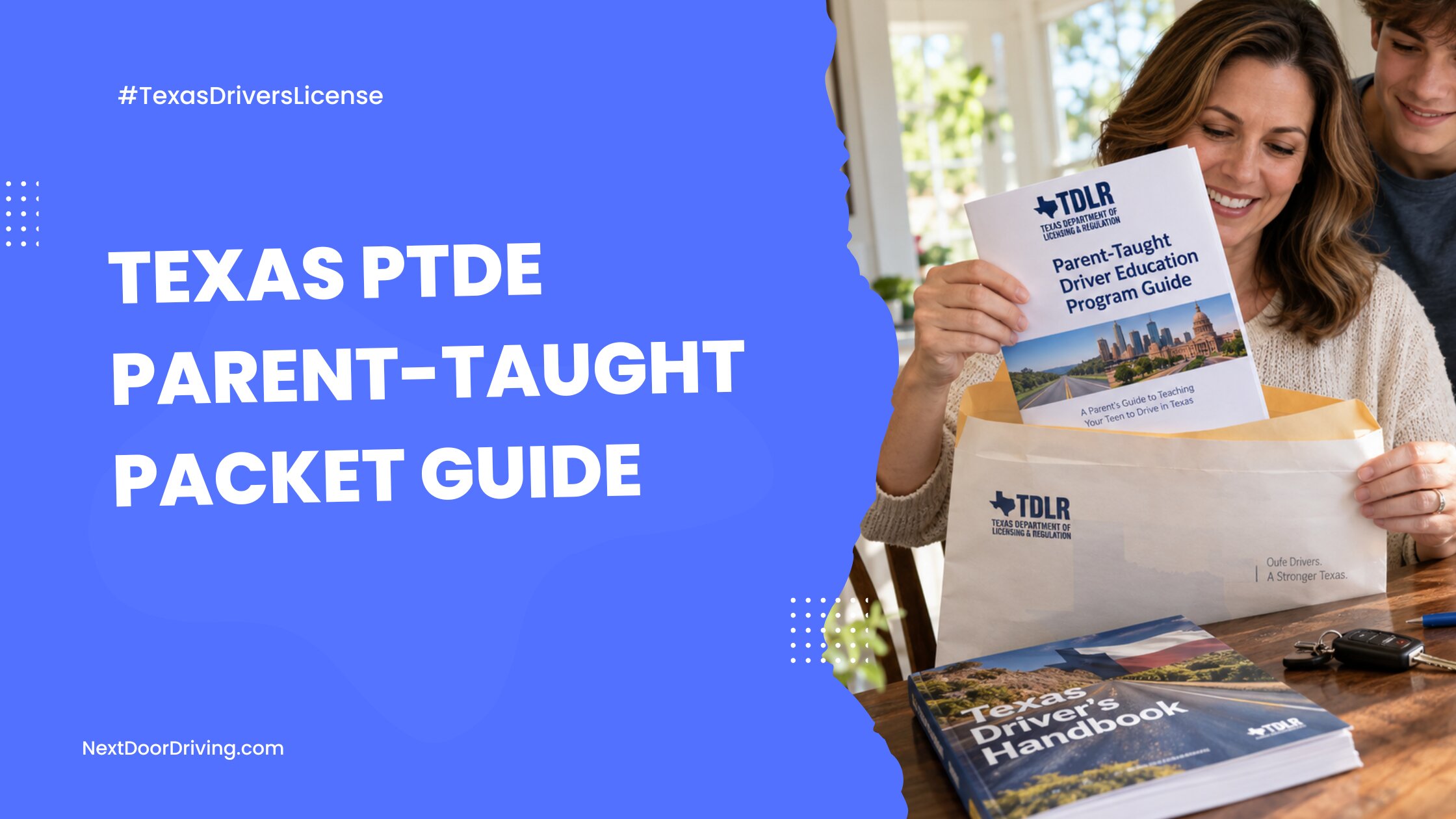
The PTDE Program Guide is issued directly by the Texas Department of Licensing and Regulation (TDLR). Applying for the program registers a specific adult instructor and a specific student with the state so that parent-taught driver education can begin. The PTDE Program Guide is not a textbook or driver’s ed course; rather, it provides useful information and serves as the official framework that legalizes the instruction.
PTDE Packet vs. Program Guide: Clearing Up the Terminology
Families, commercial driving schools, and Texas Department of Public Safety (DPS) field offices frequently use several terms interchangeably for the PTDE registration materials. Sometimes called the “PTDE packet” or “TDLR packet,” current TDLR terminology is the “PTDE Program Guide.” Although TDLR transitioned from mailing physical paper packets to issuing digital Program Guides, all these terms refer to the same state registration process. Calling the transaction a “packet purchase” remains common, but technically you are paying a nonrefundable $20 state fee to submit a Parent-Instructor Authorization Application.
Who Needs the PTDE Packet?
A student using the parent-taught option for Texas drivers ed needs an individual PTDE Program Guide and instructor authorization before any coursework begins. The parent-taught driving application is not needed if your teen uses a Texas instructor-led driver’s ed course and takes driving lessons at a commercial school.
Ensuring your PTDE receipt is valid: Always purchase the PTDE Program Guide directly from the official TDLR site. Neither TDLR nor DPS accepts receipts purchased through third-party resale sites.
How PTDE Registration Fits Into the Licensing Process
Understanding where the PTDE registration packet fits into the overall Texas drivers ed and licensing timeline helps prevent administrative mistakes that could affect the student’s completed hours.
When to Request the Guide
You must submit your instructor authorization application to TDLR before any driver education coursework begins. Texas administrative rules strictly enforce this timeline. If a student completes classroom modules or driving hours before the date stamped on the official TDLR instructor-designation receipt, the DPS will reject those hours during the license application process. The family will then be forced to restart the coursework under a valid receipt date.
Program Guide vs. Driver’s Ed
A common point of confusion for Texas parents is assuming that paying for the PTDE Program Guide fulfills an educational requirement, but this is not the case. The TDLR packet authorizes your teen to use the parent-taught driving option, while the driver’s ed curriculum is purchased separately from an online provider. Ensure that you choose a TDLR-approved Texas Parent-Taught Driver Education course so that your teen’s hours count for licensing. The driver’s ed course teaches your teen the rules of the road and issues the official DE-964 completion certificate, while the Program Guide provides forms to legally document your instruction for the DPS.
How to Get the PTDE Program Guide from TDLR
Obtaining the parent-taught packet from the TDLR is a straightforward process using the state’s online licensing portal. To register for the PTDE program, follow these steps:
- Visit the TDLR website to order the Program Guide by filling out a Parent-Taught Driver Education Instructor Designation Service Request.
- Enter the student’s full legal name and date of birth as they appear on their birth certificate or passport.
- Enter the designated parent instructor's information. If an alternate qualified adult will assist with instruction, enter their details in the designated field.
- Pay the $20 nonrefundable application fee using a credit or debit card.
- Save the instant online confirmation page and check your email for the official PTDE Program Guide download link and receipt.
TDLR no longer prints or mails physical paper packets. Delivery is strictly digital via email and downloadable PDF.
Rules for Sibling Students
An instructor authorization applies strictly to one specific instructor and one specific student. If you are teaching twins or consecutive siblings, each child needs a separate PTDE packet, application fee, and PTDE Program Guide receipt. Siblings cannot share one receipt number.
Understanding Your Instructor-Designation Receipt
When your PTDE application is processed, TDLR generates an official receipt page that contains a unique transaction number (typically prefixed with 452PT). This receipt acts as a timestamped certificate proving to both driver’s ed course providers and state licensing officials that your parent-taught authorization was established legally before coursework started.
When DPS Requires Your PTDE Receipt Number
You will need to present the PTDE receipt page—or enter its receipt number—at three distinct milestones:
- Driver’s ed enrollment: Approved online PTDE platforms require you to enter your TDLR receipt number before unlocking course modules.
- Permit appointment: When your student applies for their learner’s permit at the DPS office, the agent will inspect the receipt to verify the purchase date against the start date listed on their driver’s ed (DE-964) certificate.
- Provisional license appointment: When returning for the final driving test, the receipt must be presented again as part of the student’s permanent licensing file.
What Is Included in the PTDE Packet?
The downloadable Program Guide packet provides the state forms, driving logs, and legal instructions required to run your parent-taught program:
- Instructor designation form establishing a specific adult as the PTDE trainer.
- Program guidelines outlining instructor eligibility, course requirements, and DPS appointment preparation.
- 14-Hour Behind-the-Wheel Training Log to track in-car instruction
- 30-Hour Practice Log for additional supervised driving
Can I Download a Free PTDE Packet PDF?
A common temptation for parents is searching for a free PTDE packet online or using a copied packet leftover from an older child or friend. However, doing so will invalidate your student’s driver’s ed hours. While you can freely download blank copies of individual forms like the 30-hour practice log, obtaining a third-party copy of the PTDE Program Guide does not generate an instructor authorization record in TDLR’s system. The DPS will refuse to honor any classroom or behind-the-wheel hours completed under the unauthorized packet and reject the teen’s license application.
How to Recover a Lost PTDE Receipt
Losing your original email or misplacing your printed TDLR Program Guide receipt does not mean you have to pay $20 to re-register. If you misplace your paperwork, return to the TDLR website and access the Parent Instructor Portal. By using the duplicate lookup tool, you can enter the email address, student name, or transaction details used during your original application. The system will re-issue your receipt page and provide a fresh download link for the Program Guide at no extra charge.
Changing Your Designated Instructor
Because the authorization ties a specific adult to a specific student, you cannot informally swap instructors. If the primary parent-instructor becomes unable to fulfill their duties for any reason, you must formally notify TDLR to designate a new eligible instructor. To request an instructor change, contact TDLR Customer Service by phone (800-803-9202) or submit an online inquiry. You must provide the student’s full legal name, date of birth, the original receipt number, and the full legal name of the new designated instructor.